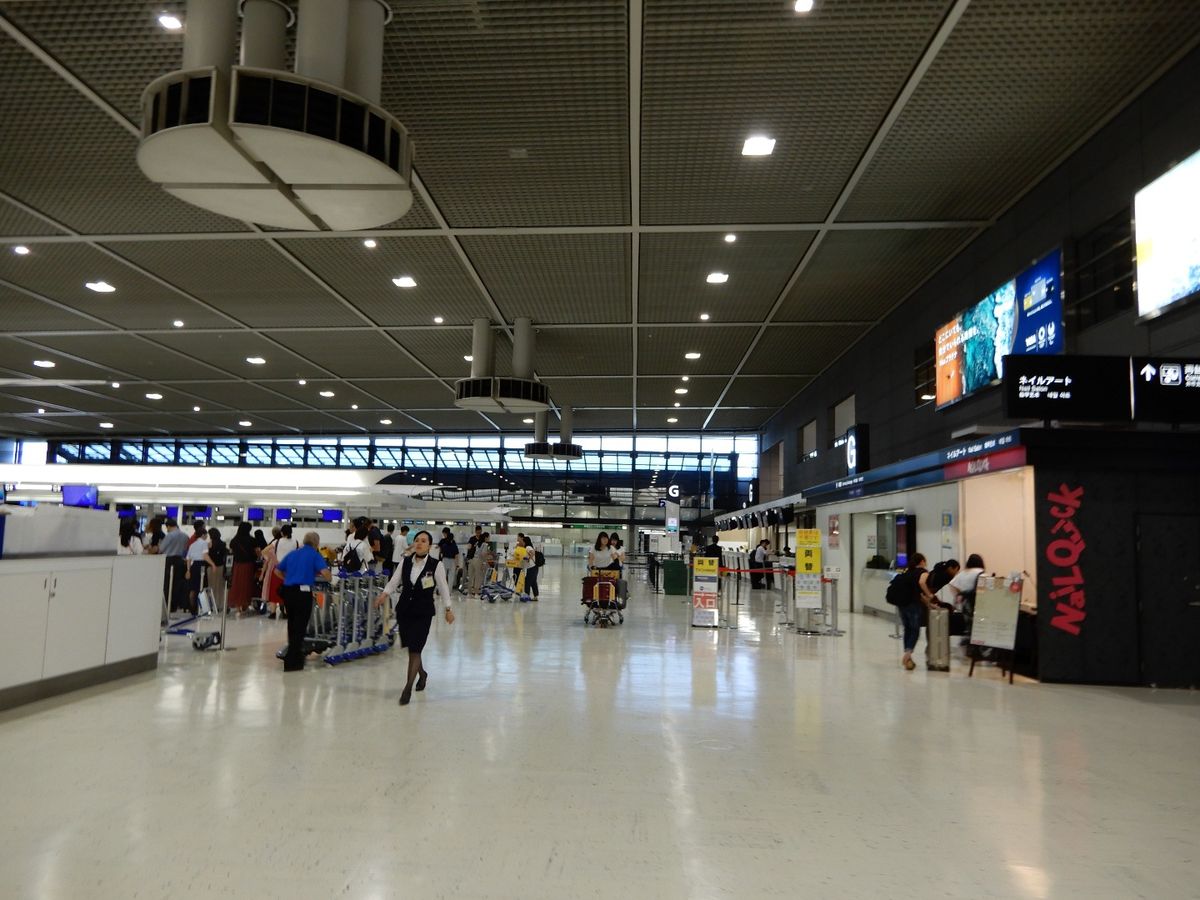
The arrivals hall is not where you want to make a technology decision. You have just come off a long flight, the queue at the rental counter is twenty people deep, and someone behind a desk is asking how many gigabytes you need, a question nobody can answer sensibly while jet lagged.
The good news is that this decision can be made at home, on your sofa, in about ten minutes. For most solo travellers and couples, an eSIM bought and installed before the flight is now the simplest option. Pocket WiFi, the little rental router you carry in a jacket pocket, has not disappeared, and for some groups it is still the better tool. This guide walks through the two checks that stop an eSIM failing on you, what the data actually costs, and the cases where the router still wins.
Almost every eSIM horror story has the same plot. Someone buys a plan, lands at Narita or Haneda, scans nothing because there is nothing to scan, and discovers at the gate that their phone cannot use what they paid for. Two checks, done at home, prevent nearly all of it.
Dial *#06# on your phone. A list of numbers appears. You are looking for one labelled EID. If an EID is there, your phone has eSIM hardware. If you see only IMEI numbers, it does not, and no app or setting will change that.
Most iPhones from the XS and XR onwards, recent Samsung Galaxy S and Fold models, and Google Pixels from the Pixel 3 onwards have eSIM. The traps are regional. Some phones sold in mainland China have no eSIM support even when the same model sold elsewhere does, and some budget Android phones skip it. The dial code settles it in five seconds, which is why it beats reading spec pages.
An eSIM from a travel provider only works on a phone that is free to join other networks. If you bought your phone on a contract or a payment plan, it may still be locked to your home carrier, and a locked phone will refuse a Japanese data plan no matter how new it is.
On an iPhone, look in Settings, then General, then About, and find the line that says Carrier Lock or Network Provider Lock. It should say No SIM restrictions. On Android, the wording varies, but the surest test is an old SIM from a different network, or a quick call to your carrier to ask. If the phone is locked, ask the carrier to unlock it before you travel. Most will, free, once the handset is paid off, but it can take a day or two, which is another reason not to leave this to the airport.
If your phone fails either check, skip to the pocket WiFi section below. That is your answer, and it is a perfectly good one.
Buy the eSIM a few days before departure and install it at home, on your own WiFi, by scanning the QR code or tapping through the provider’s app. Installation and activation are two different things. Installing simply loads the plan onto the phone. Most Japan plans only start their validity clock when the eSIM first connects to a Japanese network, so installing early costs you nothing.
Wait until you are on the plane or just landed, then switch the eSIM line on and set it as your data line. Keep your home SIM active for calls and texts if you want bank codes and messages to reach you, but make sure data roaming stays off on the home line, or the phone may drink from the expensive tap. Name the lines something obvious, Home and Japan, so a tired brain at the gate can tell them apart.
While you are setting up, this is also the moment to sort the arrival paperwork. Our Visit Japan Web guide (https://yonihon.com/travel-guide/visit-japan-web-guide/) walks through the immigration and customs forms you can complete before landing, which pairs nicely with data that works the second the wheels touch down.
Less than the person at the counter suggests, usually. Think in days, not gigabytes.
Prices move with sales and exchange rates, but recent checks of the major providers’ own pages give a fair picture of the ranges. A 10 GB plan valid for 15 to 30 days generally costs about US$14 to US$18. A 20 GB plan sits around US$24 to US$25. Unlimited plans for 15 days run from about US$39 to US$50, depending on how generous the full speed allowance is. Providers such as Airalo and Ubigi are the names you will see most often, and their Japan plans run on the big domestic networks, docomo, au and SoftBank, so coverage in cities and along the main tourist routes is rarely the problem. In deep countryside and the mountains, docomo based plans tend to hold a signal longest.
One honest limitation applies to almost every travel eSIM. They are data only. You get no Japanese phone number and no SMS. For most visitors that never matters, since maps, messaging apps and translation all run on data. It matters only if a booking or delivery service insists on a Japanese number, which is uncommon for short trips.
The router earns its place in a few clear situations.
Against that, the costs and chores. List prices for unlimited pocket WiFi generally run from about ¥1,300 to ¥2,000 a day, so roughly ¥9,000 to ¥14,000 for a week before any discount, and long rentals bring the daily rate down. Online discounts are common and can cut that a lot, so compare the total for your dates rather than the headline day rate. You also carry a second device with a battery that lasts roughly 9 to 20 hours depending on the model, you charge it nightly, and you are responsible for it. Lost routers come with replacement fees, and there is usually a card hold or deposit at pickup.
If you go the router route, you have two ways to get it.
Airport pickup means data in hand before you leave the terminal, from counters at Narita, Haneda, Kansai and other major airports. Book online at least a few days ahead, because walk up prices are higher and stock is not guaranteed in busy weeks. The queue at peak arrival times is the one real downside, and it is exactly the queue the eSIM skips.
Delivery sends the router to your hotel, a post office or an address in Japan, waiting for you at check in. This suits late night arrivals, when counters may be closed, and anyone whose flight lands at a smaller airport. Returns are usually easy either way, at an airport counter or in a prepaid envelope dropped into any Japan Post postbox, airport ones included, on your way to departures.
Whichever you choose, decide before you fly. The theme of this whole guide is that connectivity is a home decision now, not an arrivals hall one. For what happens after you leave the terminal, our comparison of the two Tokyo airports, Narita or Haneda to Tokyo (https://yonihon.com/travel-guide/narita-or-haneda-to-tokyo/), covers the trains, buses and costs into the city.
Japan has more free WiFi than its reputation suggests. Major stations, airports, many trains and buses, convenience stores such as 7-Eleven, FamilyMart and Lawson, coffee chains and most hotels offer it, and there are umbrella services and apps that gather many of these networks into one login.

Inside a Japanese convenience store. The big chains offer free WiFi, and the shelves stock charging cables if yours goes missing. Photo: Japanexperterna, CC BY-SA 3.0
Use it for what it is good at. Checking a map inside a station, sending messages from your hotel, downloading a podcast at a cafe. Do not build your day around it. Coverage drops out exactly where you need it most, on a rural platform, in a temple garden, halfway up a shopping street with a restaurant to find. Many networks ask for an email registration or a fresh login every 30 to 60 minutes, speeds vary wildly, and open networks are not the place for banking or anything sensitive. Treat free WiFi as a top up for your data plan and a reason your 10 GB lasts longer, not as the plan itself.
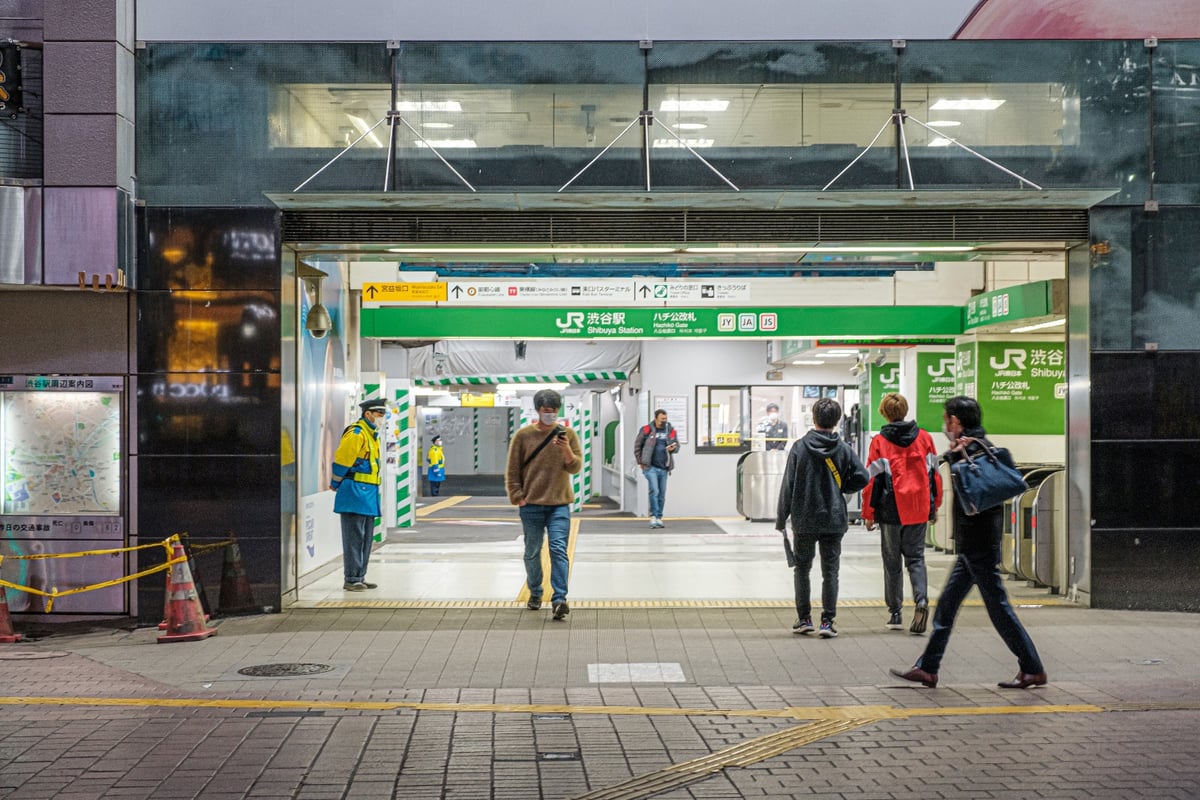
Shibuya after dark. This is the moment a live map and a translation app stop being conveniences and start being the plan. Photo: nagi usano, CC BY-SA 2.0
If you travel solo or as a couple, your phones pass the two checks, and your data needs are ordinary, buy an eSIM, install it at home, and walk out of the airport like a local. If you are a family or group moving as one unit, if anyone’s phone is locked or older, or if a laptop needs feeding every evening, rent the router and share it. Either way, sort it before the flight, and let the arrivals hall be just a hall you walk through.
10 minutes · November 23, 2026

9 minutes · November 23, 2026